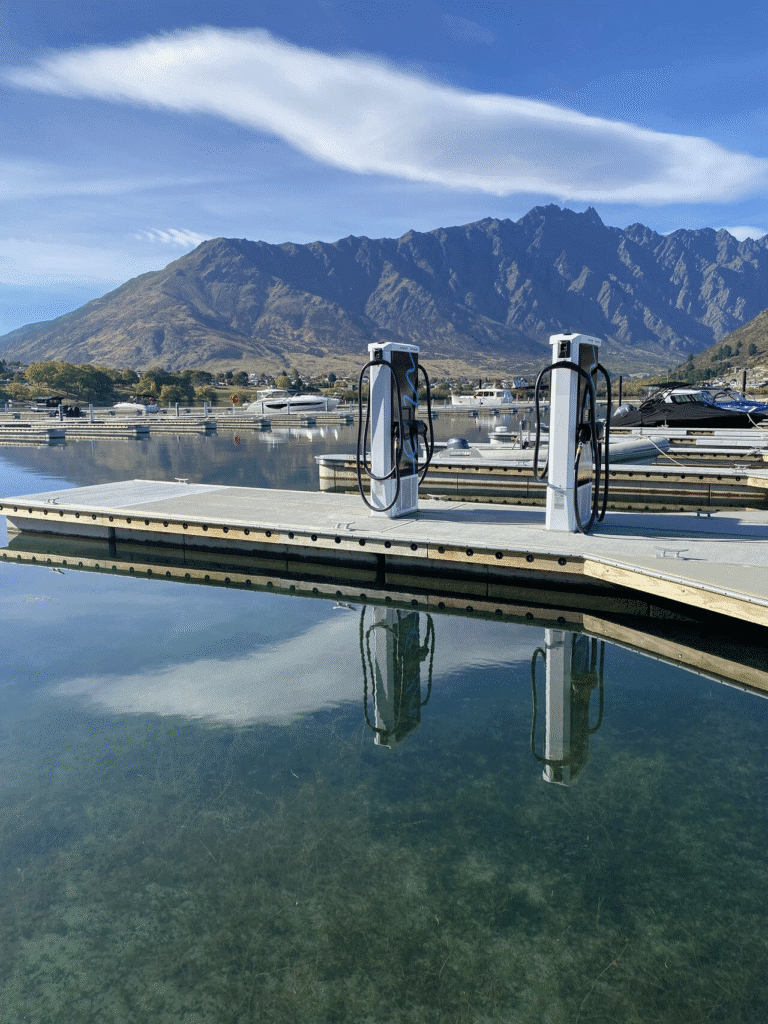
Guidelines for photography, composition, including style and usage.
Videos are a great way to create engagement and tell a story.
Getting started with video
Aspect Ratio
Each social platform has different technical specifications and best practices, including dimensions, size, sound and length. For example, Instagram Stories are vertical, while YouTube videos should be horizontal. Before posting to a channel, make sure you read the latest specifications on their respective websites.
- 9:16: Vertical, full-screen format ideal for TikTok, YouTube Shorts, and Instagram Reels, Stories, and Carousels.
- 16:9: Horizontal, widescreen format commonly used for YouTube’s main videos and standard for most digital screens.
- 1:1: Square format, often used in feeds on platforms like Instagram, Facebook, and LinkedIn for a balanced look.
- YouTube: 16:9 for standard long-form videos; 9:16 for Shorts.
- Facebook: Use 1:1 or 4:5 for the feed, 9:16 for Stories, and 16:9 for videos with links. It is often recommended to provide multiple ratios (1:1, 9:16, 16:9) for ads to optimize for different placements.
- LinkedIn: 1:1 is recommended for a square video, 16:9 for horizontal, and 9:16 for vertical.
Video Quality
Resolution
- Video produced should be recorded at a minimum of and exported at 1080p HD quality.
- Only when necessary (for slow-motion shots, cropping, etc.) should video be 720p.
- No footage below 720p should be used unless it is archival footage.
Framerate
- Framerate’s effect on a video is more subtle. Historically, 24fps became the “movie” standard, while home video used 30 fps and up. Today, with the advent of YouTube, Vimeo and similar internet video sites, 24 fps has become the more visually pleasing option in the United States.
- Different framerates can be used for different purposes, especially in the creation of “slow-motion” video. Therefore, skilled cinematographers should use their professional discretion in deciding what framerate to record in.
- Except for extenuating circumstances (news reels, archival footage, broadcast-legal, etc.), all final videos should be output at 24 fps (true 23.98 fps).
Bitrate
When possible, all footage should be recorded in the highest possible bitrate available. This will allow for better color, detail and video quality in the final product.
Audio
Background Noise
- Avoid locations with background noise whenever possible.
- Wireless lavalier mics should be set to frequencies that avoid frequency noise.
Microphone Placement
- Shotgun or lapel microphones should be used when recording footage with someone speaking to the camera.
- Lavalier mics may be visible but cords/cables should be hidden.
Sound Effects
- If sound effects are used, the sound should be clean and professional.
- Sound effects should only be used for a subtle effect. (e.g. A dim whoosh, low bass for emphasis, etc.)
Quality
- Avoid distortion/clipping.
- If audio includes incidental background noise, remove noise whenever possible, without introducing noise-reduction artifacts.
- Speech should be limited to a maximum of -3dB.
- Compression may be used to normalize audio levels, without artifacts or distortion.
Technical Specs for Final Export
- Container: MP4 or MOV
- Audio Codec: AAC-LC
- Sample rate: 48khz
- Video Codec: H.264
- Frame rate: 24fps
People
Tritium is a global company, so are its people. When choosing people for video or photography, ensure you include diverse multicultural backgrounds.
Clothing needs to be smart casual, and the colours need to be on brand or neutral.
Titles, Bookends and lowerthirds
When creating videos, it is always important to add our Tritium-branded bookends, titles and lower thirds. For shorter, snappier videos, you can use a quick logo bookend. For longer, more detailed videos, add a dynamic title that introduces the video’s topic. When people, such as a subject-matter expert, speak to the camera, you must include lower thirds with their full name and formal job title.
You can download the Adobe After Effects template here:
Titles, Bookends and Lower-thirds